Social media image sizes for property listings (2026)
Most size guides give you a list of pixel dimensions and stop there, which is the easy half. The half that ruins posts is the part of the frame each app covers with its own interface — the caption bar, the action rail, the profile row — because a price that lands underneath one of those is invisible no matter how correct the dimensions were.
Below are the sizes worth knowing for property posts, and the tool on this site exports all of them in one action with the covered areas already accounted for in the layout. It is free, with no watermark and no account.
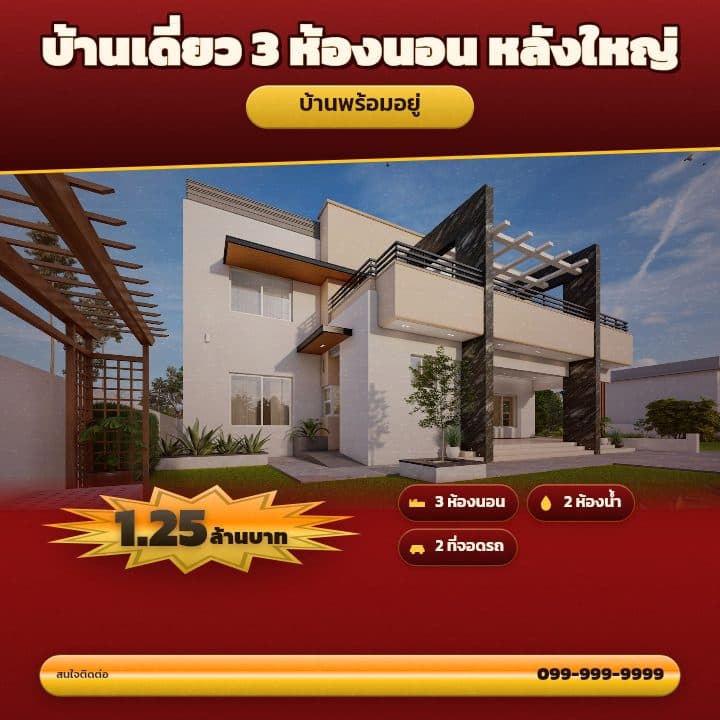
What makes a listing stop the scroll
- 01
Dimensions are not the hard part — the safe area is
A 1080×1920 story is correct and still wrong if the price sits in the bottom sixth, where the caption and the send bar live. Reserve the top tenth and the bottom sixth of any full-screen vertical format, and keep the right-hand fifth clear on TikTok and Reels for the action buttons.
- 02
Never upscale a square into a story
Stretching a 1:1 post to 9:16 either pillarboxes it or crops it, and the crop takes the top and bottom — which is exactly where the headline and the phone number are. Lay out for the frame you are posting to; do not resize into it.
- 03
Feed thumbnails are smaller than you are designing at
A grid thumbnail is a few hundred pixels wide on a phone. Check that the price is still legible at that scale before you post — if it needs a tap to read, the post is doing nothing in the grid where most discovery happens.
- 04
Link previews crop from the centre
A 1.91:1 link image gets trimmed differently across platforms and the edges are the first thing to go. Keep anything that has to survive within the middle 80 per cent of the frame.
The sizes this tool exports, every time
| Platform | Pixels | Ratio |
|---|---|---|
| Facebook / Instagram (จัตุรัส) | 1080 × 1080 | 1:1 |
| Instagram แนวตั้ง | 1080 × 1350 | 4:5 |
| Story / Reels / TikTok | 1080 × 1920 | 9:16 |
| ลิงก์แนวนอน (Facebook link) | 1200 × 628 | 1.91:1 |
| LINE / LINE OA | 1040 × 1040 | 1:1 |
Made with these templates
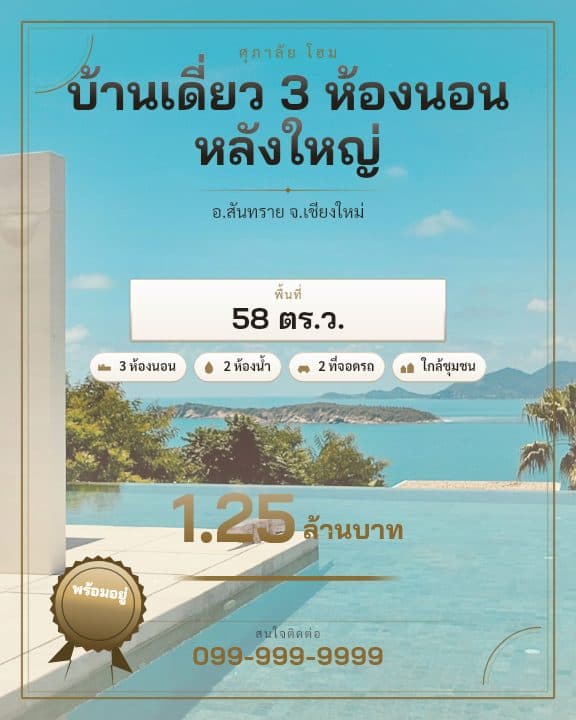


Examples use stock photography for demonstration, not real listings · the phone number is a placeholder
Frequently asked questions
What size should a property listing post be?
1080×1350 for an Instagram or Facebook feed post — the tall format takes the most vertical space in a feed — plus 1080×1920 for stories and TikTok. Producing both is one action here rather than two designs.
What is the safe zone for a TikTok or Reels post?
Keep the top 7 to 10 per cent and the bottom 16 to 20 per cent clear, and leave the right-hand fifth free where the like, comment and share buttons sit. The layouts here already respect those regions.
Do I have to make each size separately?
No — that is the point of the tool. One design exports as every size, each laid out for its own proportions rather than cropped from a single master, and it is free.
Export every size free
- Free, no watermark
- No signup
- Every size in one click
More free poster tools
- Free real estate flyer maker — no watermark, no signup
- Free property listing posters for house sales
- Free land for sale flyer maker
- Free condo listing graphics for social media
- Free realtor profile posters and agent introduction graphics
- Free course poster maker for online classes and workshops
- Make hundreds of listing flyers from a spreadsheet, free